







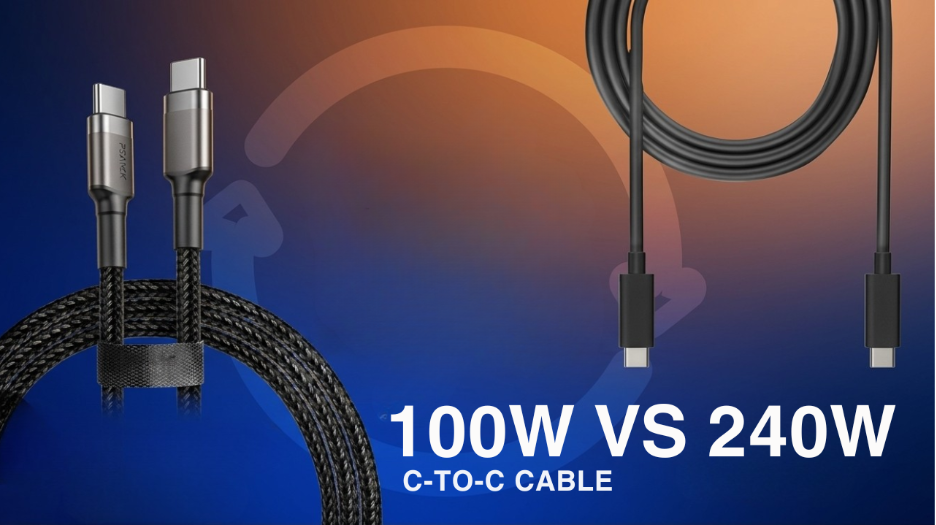
100W or 240W USB-C Cable: Why the Wattage You Ignore Is the One That Matters Most
Most people never think twice about which USB-C cable they grab off the desk, they just assume any cable will do the job. That assumption works fine right up until the day a MacBook or a gaming laptop plugged into a perfectly good charger still charges painfully slowly. The charger isn’t the problem in that moment, the cable’s wattage rating is.
Why Wattage Decides Everything, Not Just Charging Speed
Every USB-C cable looks nearly identical from the outside, but the wattage it’s actually built to carry decides how fast a device charges, how reliably it performs, and whether it can handle a laptop or just a phone. A 100W cable handles fast charging for phones, tablets, and mid-range laptops without complaint, but the moment a high-performance laptop gets plugged in, it starts to struggle. A 240W cable, built on the newer USB PD 3.1 standard, delivers nearly four times more power and removes that ceiling entirely, handling both charging and high-speed data transfer without compromise.
Here’s how the two actually compare side by side:
| Feature | 100W Cable | 240W Cable |
| USB Standard | USB PD 2.0 | USB PD 3.1 |
| Phone Fast Charging | Yes | Yes |
| MacBook / Gaming Laptop | Slow | Full Speed |
| Replaces Multiple Cables | No | Yes |
| USB-C Data Transfer | Basic | High Speed |
| Future Proof | No | Yes |
| Typical Price Range | ₹299–₹799 | ₹599–₹1,499 |
What a 240W Cable Actually Solves
If a charger supports 140W or above, a 100W cable simply can’t unlock that power, no matter how capable the charger itself is. The cable becomes the bottleneck that most people never think to check, quietly limiting a laptop to a fraction of its rated charging speed. Going 240W removes that ceiling completely and also solves a second, less obvious problem, the need to carry a different cable for every device. One 240W cable charges a MacBook at full speed, a phone, a tablet, and a portable monitor, all from the same braided cord.
A few signs that your current cable might be the actual bottleneck:
- Your laptop charges noticeably slower while you’re actively using it than when it’s idle
- You own a MacBook Pro, a gaming laptop, or any device with a charger rated 140W or higher
- You’re juggling two or three separate cables for your phone, tablet, and laptop
- Your cable feels warm to the touch during longer charging sessions
- You regularly use USB-C for both charging and moving large files
Build Quality Matters as Much as the Wattage Number
Wattage alone doesn’t tell the whole story. Cheap 100W cables often use thin internal wiring that degrades quickly and can even affect a device’s charging port over time. A well-built 240W cable typically uses thicker wiring, a braided nylon outer jacket, reinforced connectors, and smart-chip protection that guards against voltage spikes, the kind of build that survives years of daily plugging and unplugging rather than failing after a few months. This detailed 100W vs 240W USB-C cable comparison walks through the full breakdown of specs, pricing, and which one actually fits different device combinations.
Choosing Between the Two Without Overthinking It
If you only ever charge a phone or a basic laptop, a 100W cable does the job perfectly well and there’s no need to rush an upgrade. But if you’re running a laptop, tablet, and phone off the same desk, or you’d simply rather stop thinking about which cable matches which device, going 240W removes the guesswork for good. It’s also worth remembering that a higher-rated cable never overcharges or damages a device, power delivery is always negotiated by the device itself, so a 240W cable charging a phone that only needs 25W will still deliver exactly 25W.
A well-built option worth considering here is the GrunX 240W USB-C cable with invisible foldable stand, which pairs full-speed charging with a practical stand built right into the cable body, useful for calls, videos, or gaming while it charges.
A few extra things worth checking before buying any cable, 100W or 240W:
- Whether it has an E-Marker chip, required for cables rated above 60W to actually unlock higher wattage
- Whether the connector is metal alloy rather than plastic, since that’s what wears out first with daily use
- Whether the cable is braided, since nylon resists fraying and kinking far better than plain rubber
Conclusion
The wattage printed on a cable matters just as much as the wattage printed on the charger box, and it’s the spec most people overlook entirely. Whether you’re building a simple daily carry setup or a full desk with a laptop, tablet, and phone all charging together, matching the cable to what your devices actually need is what separates fast, reliable charging from years of frustrating top-ups. For a broader look at chargers, adapters, and cables built around these exact specs, GrunX is worth browsing before your next purchase.